



 Download for iOS
  Download for Android
 Loading up a website on your computer every time you want to wager on sports fixtures or play casino games is so inconvenient and can make betting seem stressful. With the 22Bet app, you can do all things betting-related, right from your Android or iOS device.
This includes the sportsbook with live betting, a casino library with over 5,000 slots, tables, and live dealer games, multiple payment options, and more. In this review, you will learn what features the 22Bet app has, how to get it on your device, and more.
Mobile App for Android
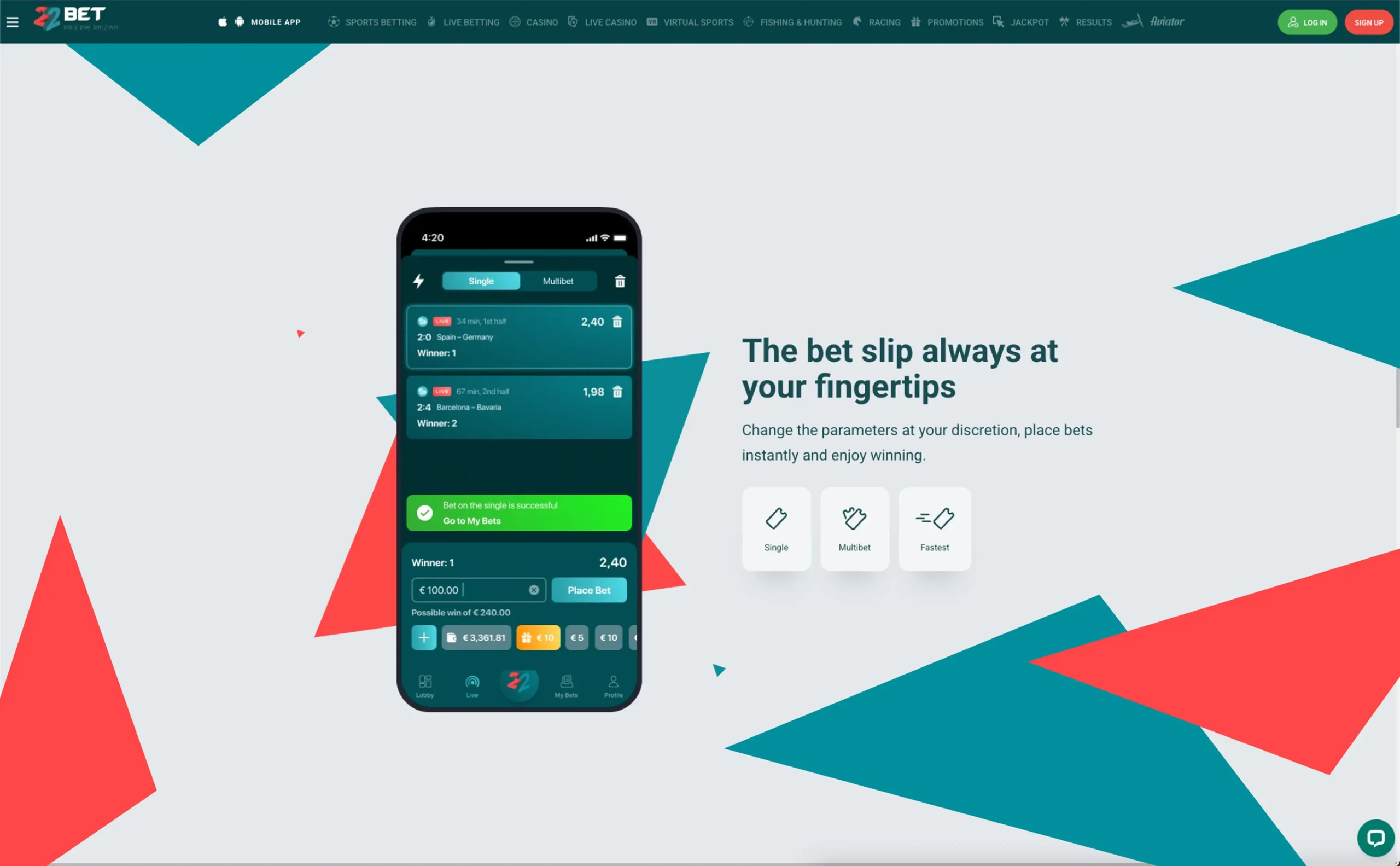
The 22Bet Android app is an optimised mobile app that delivers a rich betting experience on both smartphones and tablets. Specially designed to be responsive across multiple device screens, the app makes betting on sports fixtures and playing casino games quite mobile-friendly.
How to Download and Install
To use the app on your Android device, you first need to install it. The installation process is quite easy, and you should be able to complete it in seconds.
Here’s how to get it done:
- Visit the 22Bet website on your mobile browser.
- Tap the “Download 22Bet app” banner at the bottom of the screen to download the 22Bet APK file.
- Allow installation of apps from unknown sources on your device. Don’t forget to turn it back off after the 22Bet app download.
- Open your files, find the downloaded APK file, and tap it to install.
- Once installed, launch the app, sign in or sign up, and start playing.
Compatible Devices
The 22Bet app is compatible with a wide range of Android devices, including smartphones and tablets. It can be installed on devices from different OEMs, including Samsung, Google Pixel, Xiaomi, OnePlus, Nothing, and Oppo.
Before installing the app, however, it’s important to make sure that your device meets the following system requirements:
- Android 9.0 or higher.
- At least 2 GB of system RAM.
- At least 1 GB of free internal storage.
Mobile App for iOS
Betting on your iPhone or iPad is also possible with the app. The iOS version brings every feature that makes 22Bet a standout platform, all in a small app that fits your mobile device.
How to Download and Install the 22Bet Application
Installing the app on your iOS device is so straightforward. All you need to do is install from the App Store and start playing.
Here’s how to do it:
- Open the App Store on your iPhone or iPad.
- Search for “22Bet” and select the right option from the result list.
- Hit “Get” to begin installing the app.
- After the app has been installed, launch it, log in or create a new account, and start betting.
Compatible Devices
You can install the 22Bet app on different iPad and iPhone versions. Although it would run more smoothly on newer devices, it can also be installed on older ones and would deliver a good experience.
To be on the safe side, make sure it meets the following minimum system requirements:
- iOS/iPadOS 15 or higher.
- At least 2 GB of system RAM.
- At least 1 GB of free internal storage.
Features of the 22Bet App
The 22Bet mobile app is not just an alternative method of exploring the platform, but a full option in its own way. Once you have the app, you may never need to play from a computer again.
Let’s check out the features of the app that make it stand out.
Convenience
Have you ever wanted to place a bet while on the move or play your favourite casino games while waiting for your turn at the doctor’s office? The mobile app makes that a reality. The fact that you can take 22Bet with you for easy access is a highly rated feature of the app.
No need to only wait until you’re home or near a computer before you can fund your account to claim reload offers or take part in live casino rounds. Do all of these and more from your mobile app, whenever and wherever you want.
Access to Full 22Bet Features
With the mobile app, you’re not getting a summarised version of the platform. Instead, you’re getting complete access to everything that makes 22Bet great.
This includes the sportsbook with over 40 sports, the casino with 5,000+ games, multiple payment options, bonuses and promotions, VIP program, and more. Simply, whatever you can enjoy or access on 22Bet from a computer is also on the app.
Optimised Experience
The 22Bet app is not just a shrunk-down version of the website made to fit on mobile displays. It’s a properly optimised application that offers players the best mobile betting experience.
Every aspect of the app’s interface, such as the layout, icon size, and button placement, was crafted with the idea of providing players with easy access to what matters most. Even the games on the app are optimised for proper display on your mobile device, without a downgrade in quality.
The app also emphasises the use of taps and other finger gestures, allowing players to do more, just as they would when playing from a computer.
Push Notifications
Another feature of the app is its push notifications. These are in-app notifications that inform you of the latest, including updates on your bet tickets, the special offer of the day, possible fixtures to bet on for the weekend, when a new provider has been added to the casino, and more.
The frequency of push notifications, as well as the type of information you receive, can be customised according to your preference.
Registration Process via the App
Your 22Bet journey can begin directly from the app. Simply create your account on your mobile device and access all of 22Bet’s features.
Here’s how to do it:
- Install the app on your iOS or Android device.
- Launch it and tap on “Sign Up” to create a new account.
- Enter your details, including phone number, SMS confirmation code, and password.
Mobile Website Version
You can access 22Bet on your mobile device without having the app. You do this through the mobile website, which is just like the regular 22Bet platform, but designed specifically for mobile devices.
It still connects you to the full features of the platform and enables you to do everything that can be done on the main site. One advantage of the mobile website is that no installation or download is required to use it, making it best for devices that do not meet the minimum system requirements to download 22Bet, as discussed earlier in this guide.
To play, just visit the website from your mobile browser, then log in or sign up.
Exclusive Mobile Games to Play Online
Using the 22Bet casino app, you can explore the full library and play games on your mobile device. This works because most games on the platform are adapted for both desktop and mobile compatibility.
Enjoy slots, table games, crash games, and live dealer games on your Android or iOS device. Games not only display properly, but they run very smoothly, offering you an unparalleled mobile gaming experience.
The quality of games on the mobile app is on par with that of playing on a computer. Animations play just as smoothly, and the sound design still holds up. Even when you play live casino games, you enjoy high-quality real-time streaming for an immersive feel, even on your mobile device.
Some of the games you can play on your mobile device include:
- Gates of Olympus
- Aviator
- Speed Baccarat
- Triple Strike Poker
- Dream Catcher
Enjoy Live Betting From Your Tablet
Betting on the hottest sports fixtures feels just as good when you do it with the 22Bet app. The platform covers over 40 sports, with hundreds of leagues and competitions, all of which you can access through the app.
Now, you no longer have to be in one spot anytime you want to bet on fixtures. Regardless of whether you’re at home or on the go, the 22Bet app keeps you connected with the sportsbook. It also makes betting faster, as with a few taps, you can book your ticket, especially for live matches where speed is important.
Frequently Asked Questions
-
Visit the 22Bet website on your mobile browser to download 22Bet APK file. Then, enable “installation from unknown sources” in your device settings to authorise installs from this site.
-
If your mobile device does not meet the minimum system requirements, you can still play directly from the mobile website.